Google Business Profile for Cafes: the Fields That Change Who Walks In
Which parts of a cafe or bakery's Google Business Profile actually affect who finds you, how to keep them matching your website, and the fields most shops leave empty.
- Local search
- 12 min read
- 2,813 words
- 5 questions answered
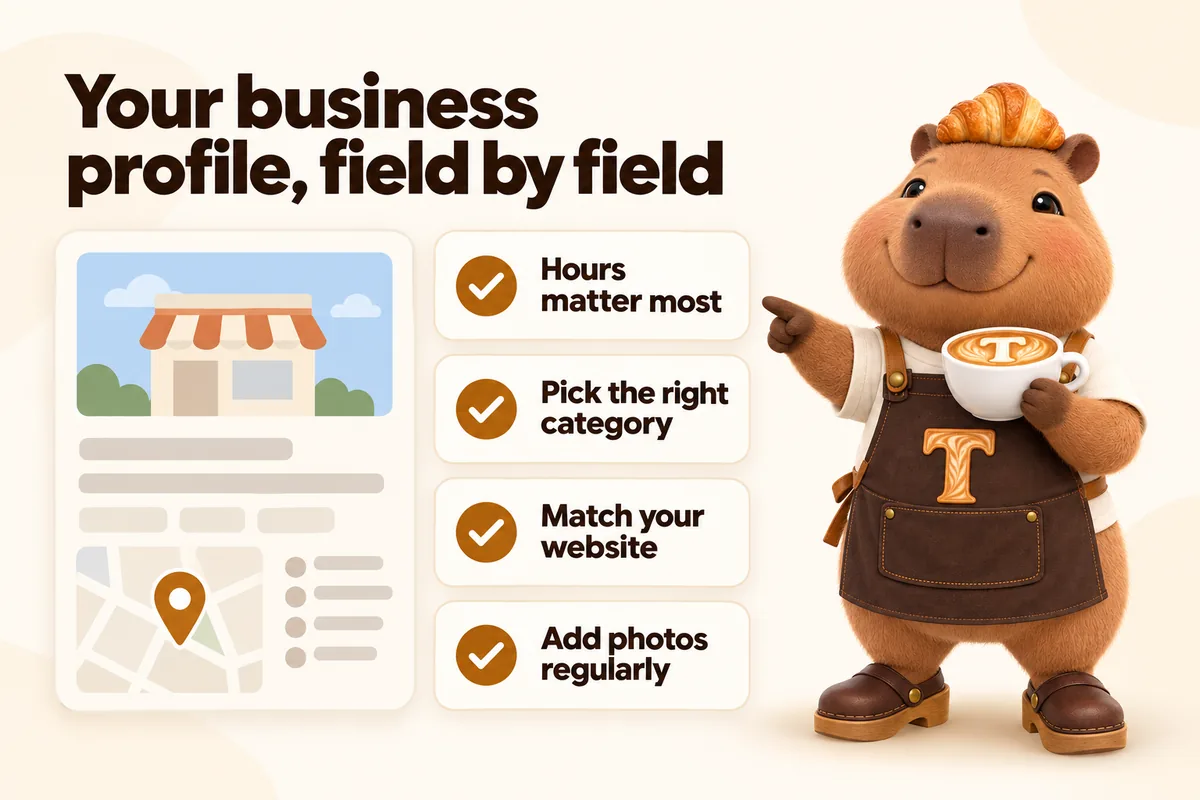
For a cafe, a coffee shop or a bakery, the Google Business Profile is usually the first thing a new customer sees and the website is where they decide. Most independent shops fill in the name, the address and the phone number, upload four photos in the first week, and never touch it again. The fields that actually change who walks in are the ones further down, and several of them are the ones most often left empty. This is what to fill in, what to keep matching your website, and what genuinely does not matter.
What Google says actually drives local ranking
Google’s own documentation on this is short and worth reading before anything else, because it rules out most of the folklore. Their explanation of local ranking names three factors: relevance, which is how well your profile matches what someone searched; distance, which is how far you are from the searcher or the area they searched; and prominence, which is how well known the business is, informed by things like links, articles and reviews.
Two useful conclusions fall out of that. First, distance is fixed. You cannot outrank a shop that is closer to the searcher by trying harder on the profile, and no amount of work will put you at the top of results for a neighbourhood you are not in. Second, relevance is the part of this you control most directly and most cheaply, and relevance is a function of whether your profile and your site actually describe what you sell in the words people use.
That is the whole strategy. Describe what you genuinely are, in the language people search, consistently in both places, and then keep it current.
The fields, in order of how much they change
Hours, and then special hours
Hours are the field with the worst failure mode, because being wrong here does not cost you a ranking position, it costs you a person standing at a locked door. Google’s hours documentation covers the two layers most shops only use half of.
The first layer is regular hours: your normal weekly pattern. Most shops get these right at setup and then leave them stale when the schedule changes seasonally.
The second layer is special hours, which are dated overrides for specific days. Holidays, a day you close for a private event, the week in January you shut for maintenance, the Sunday you open late after a long Saturday. Special hours are where the damage happens, because holidays are precisely when people search for a cafe that is open, and an unedited profile confidently telling them you are open is an unusually effective way to generate an angry review.
Set special hours for the whole year in one sitting. It takes twenty minutes in January and prevents every instance of this problem.
There is a third layer worth knowing about for shops whose kitchen and counter run on different schedules: more specific hours for particular services, where the profile supports them. If your bakery counter closes at two but the cafe stays open until five, saying so is better than picking one and hoping.
The primary category
The primary category is the single most consequential relevance setting on the profile, and it is the one most mixed businesses get wrong.
A shop that sells coffee and pastries could reasonably be a coffee shop, a cafe, a bakery, or an espresso bar. These are not interchangeable. The primary category is what most strongly signals what the business is, and additional categories fill in the rest. Pick the primary category that matches what you most want to be found for and what most of your revenue actually is, then add the others as secondary.
The common mistakes are specific. Bakeries that do most of their trade in coffee and sandwiches but are categorised as a bakery, and then wonder why they do not appear for cafe searches. Coffee shops with a serious pastry programme categorised only as a coffee shop, missing every bakery search in the area. Shops that categorise aspirationally, choosing the category for the business they intend to become rather than the one currently trading.
The description
The description matters less than people think for ranking and more than people think for conversion. It is the paragraph a person reads while deciding between you and the shop two streets over.
Write it as plain description, not as a keyword exercise. What you serve, what you are known for, what is unusual about the place, and the practical facts someone needs: whether there is seating, whether there is space to work, whether there is parking, whether you take custom orders. Google’s representation guidelines prohibit the obvious abuses here, including stuffing the business name field with keywords, which remains one of the most common reasons a profile gets edited or suspended.
Photos, and why they need a routine
Google’s photo guidance covers the mechanics. The part worth internalising is that photos are one of the very few things on a profile you can add regularly and that a visitor sees immediately, and that customer-uploaded photos will appear whether or not you add your own. The only way to influence what the profile looks like is to keep adding better images than the ones people take with their phones at a crowded table.
A workable routine: the exterior with the sign legible, the counter, the case, the room, and three or four items at setup. Then three or four new images every couple of months, seasonal where possible. If you have done a proper photo morning for the website, you already have all of these and the profile costs you nothing extra.
The exterior shot deserves particular attention because it does a job nothing else does: it lets somebody standing on the pavement with a phone match the photograph to the building in front of them.
Attributes
Attributes are the checkbox list of facts about the shop, and they are the cheapest unclaimed win on most cafe profiles. Outdoor seating, wheelchair accessible entrance, good for working on laptop, takeaway, delivery, dog friendly, restroom, free wifi, vegetarian and vegan options.
These matter because several of them map directly onto how people filter. Someone searching for a cafe to work in for three hours is making a different decision from someone looking for a quick takeaway flat white, and the attributes are how the profile tells those two people apart. Fill in every attribute that is genuinely true, and none that is not.
Products, services and the menu link
Where the profile offers a menu or products section, use it to link to the menu page on your own website rather than retyping the menu inside the profile. The reason is maintenance: a menu typed into a profile is a second copy that will drift out of date the first time a price changes, and a drifted menu is worse than no menu.
One live menu, on your site, linked from everywhere else. That is the rule, and it is the same rule that applies to your ordering platform, your delivery listings and anything printed with a code on it.
Questions and answers
The Q and A section is public, answerable by anyone, and almost always ignored by the business. That combination means the answers people see are frequently guesses from strangers.
Two things worth doing. Answer every real question that appears, promptly, in your own voice. And seed the section yourself with the questions you get asked at the counter twenty times a week: whether you have oat milk, whether you take custom cake orders, whether there is seating, whether you are open on the bank holiday, whether you have a toilet. These are real questions, the answers are useful, and putting them there is not a trick.
Reviews
Reviews feed prominence, which is one of the three ranking factors Google names, and they feed the human decision even harder.
The only sustainable approach is to ask, plainly, at the moment somebody has said something nice to your face, and to reply to what comes in. Reply to the good ones briefly and to the critical ones without defensiveness. A calm, specific reply to a two-star review is read by far more prospective customers than the review itself, and it is the single most useful piece of writing most shops can do on the platform.
Making the profile and the website agree
This is the part that involves the website, and it is the part that most often goes wrong quietly.
One source of truth for the facts
Name, address, phone number and hours should exist in exactly one place in your own operation and be copied outward from there. In practice that means the website is the master copy, and the profile, the delivery platforms, the social profiles and the directory listings all repeat it.
When those disagree, two things happen. A person notices and trusts you slightly less. And a search engine trying to work out which set of facts is correct has conflicting evidence about a business it is being asked to recommend.
The most common disagreements we find on cafe sites at audit: a phone number that changed two years ago still live on a contact page, hours in the footer that were right for the previous season, a second location that closed but still has a page, and an address formatted three different ways across four properties.
Structured data on the site
The site should describe the business in a form a machine can read directly. Google’s local business structured data documentation sets out how: the name, the address, the phone number, the opening hours, the geographic location and the type of business, all marked up in the page itself rather than only appearing as styled text.
This is not a ranking trick and it will not move you past a closer competitor. What it does is remove ambiguity. It means the description of your business that a machine reads from your own site is precise and matches the profile, instead of being inferred from a paragraph of prose.
For a multi-location group this matters considerably more, because each location needs its own page with its own marked-up address and hours. A single shared locations page with three addresses in a list gives every machine reading it the same problem and gives every human a worse experience.
Hours in one place on the site too
Inside the website, hours should be a single piece of data rendered wherever hours appear: the footer, the location page, the contact page, the structured data. If the hours are typed separately into four templates, they will be wrong in at least one of them within a year. This is a build decision, not a content decision, and it is worth insisting on.
Two shops, and the mistake almost every group makes
A second location doubles the work on the profile side and changes the work on the website side, and the mistake is almost always the same one: treating the two shops as one business with two addresses.
Each trading location needs its own profile, with its own address, its own hours, its own photos and its own reviews. Reviews in particular do not pool. A glowing set of reviews for the original shop does nothing for the new one three miles away, and the new one starts from zero whether or not it shares a name.
On the website, each location needs its own page. Not a row in a table on a shared locations page, a page: the address in full, the hours for that shop specifically, how to find the door, what is different about that site, and its own marked-up business data. The shared locations page still exists, but its job is to route people to the individual pages rather than to be the destination.
There are two reasons this matters beyond tidiness. The first is that hours and menus genuinely differ between shops, often more than owners realise, and a single shared page forces you to publish the lowest common denominator. The second is that when somebody searches for your business in a specific neighbourhood, the page that should rank is the page about that neighbourhood’s shop, and that page has to exist for it to rank.
The same applies to a shop that has closed. Close the profile properly rather than deleting it, and keep the page on the site with a clear note and a link to the nearest remaining location, rather than removing it and turning every link people have saved into a dead end.
When the profile is wrong and it is not your fault
Three situations come up often enough to be worth knowing about in advance.
Duplicate listings. These usually appear when a business moved, changed name, or was listed by a third party before the owner ever claimed it. Two listings for one shop split your reviews and your history. They need to be merged rather than one being deleted, and that is a support process rather than an edit.
Suggested edits from the public. Members of the public can suggest changes to hours and other details, and those suggestions can go live. This is the reason a profile that was correct in March can be wrong in June with nobody at the shop having touched it. Checking the profile monthly catches this, and checking it after any period of unusual hours catches it faster.
Someone else’s photos dominating. Customer photos appear whether or not you add your own, and the ones taken on a Saturday in a crowded room at night are frequently the worst images of your shop in existence. There is no way to remove them short of a policy violation, so the only real remedy is to keep adding better images of your own.
What does not matter as much as people think
A few things absorb a lot of attention and return very little.
Posting constantly. Profile posts are useful for genuine news: a seasonal menu, a holiday closure, a new opening. Posting for the sake of a schedule is work with almost no return for a small shop.
Keyword-stuffed business names. Adding “best coffee” to the business name field is against the representation guidelines and risks the profile rather than helping it.
Chasing a specific position. Distance is one of the three factors and you cannot change it. A shop three miles from a searcher is not going to beat the one across the street from them, and effort spent trying is effort not spent on the profile’s actual job, which is converting the people who are already near you.
Directory submissions at volume. A handful of genuinely relevant listings is worth having. Hundreds of low-quality ones are not the prominence Google is describing.
A maintenance schedule that is actually sustainable
Every time hours change: update the website, then the profile, same day. Two minutes.
Once in January: set special hours for every holiday and planned closure for the year ahead. Twenty minutes, and it eliminates the worst failure mode entirely.
Every two months: add three or four photos. Seasonal items are the easiest source.
Every week: check for new questions and new reviews, and answer both.
Once a year: re-read the description, check the categories still describe what you actually sell now, and confirm every attribute is still true.
That is under an hour a quarter after the initial setup. For most independent cafes it is the highest-return hour available, because it is aimed squarely at people who are already nearby, already searching, and already deciding.
Sources
Frequently asked questions
Is a Google Business Profile more important than a cafe's website?
Neither replaces the other. The profile is usually where someone first sees you and the website is where they decide. The two have to agree on name, address, phone number and hours, because a visible disagreement between them is the fastest way to lose a first-time visitor.
How often should a cafe update its Business Profile?
Hours whenever they change, special hours before every holiday, photos every few months, and the description whenever what you actually sell changes. Everything else can sit still. The two that genuinely cost you customers when they are stale are hours and photos.
Does adding a menu to the profile help?
It helps the profile answer the question people are actually asking, which is what you sell. Link to the menu page on your own site rather than retyping the menu inside the profile, so there is one place to update when a price changes.
What are special hours and why do they matter for cafes?
Special hours are the dated overrides you set for holidays and one-off closures. They matter more for cafes than for most businesses because holidays are exactly when people search for somewhere open, and a profile that says open when the door is locked generates the worst kind of review.
Should the same photos be on the website and the profile?
Mostly yes, and it saves work. Shoot once, use the exterior and counter frames on both, and keep the profile's image set slightly wider than the site's since the profile rewards regular additions more than the website does.
Want a site like the one described here? Book a demo with GetCafeWebsite.